
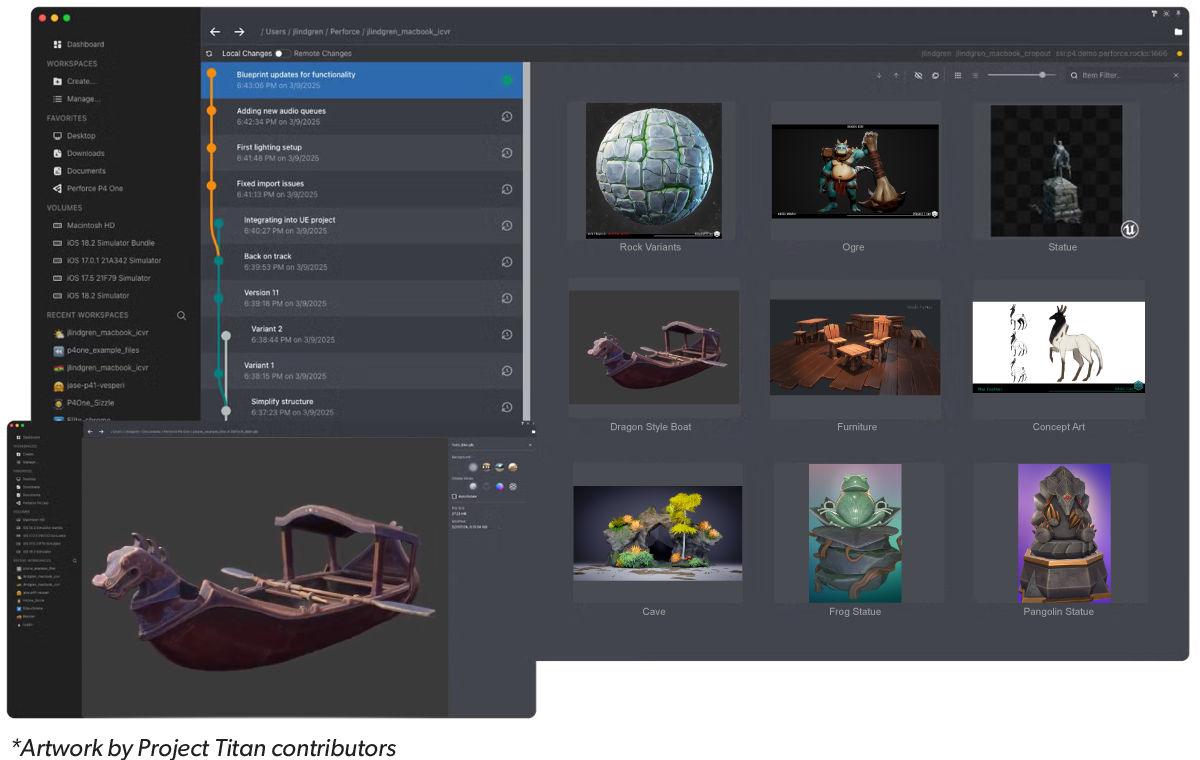
Get Your Creative Workflows Under Control
Meet digital creators where they are, and eliminate the risk, rework, and delays caused by the general-purpose tools that have crept into your pipeline.
P4 One is a free version control client that works with the creative tools your team uses every day. It empowers your artists and designers on day one, and can easily plug into any P4 environment.
P4 One CLI Now Available
The P4 One command-line interface (CLI) lets you create workspaces, track files, and create local versions from a terminal instead of the P4 One desktop app. The CLI offers high-level commands for everyday workflows alongside lower-level access to internals, so you can incorporate P4 One into scripts and other tools.
Stay in Flow — Even Without a Network Connection
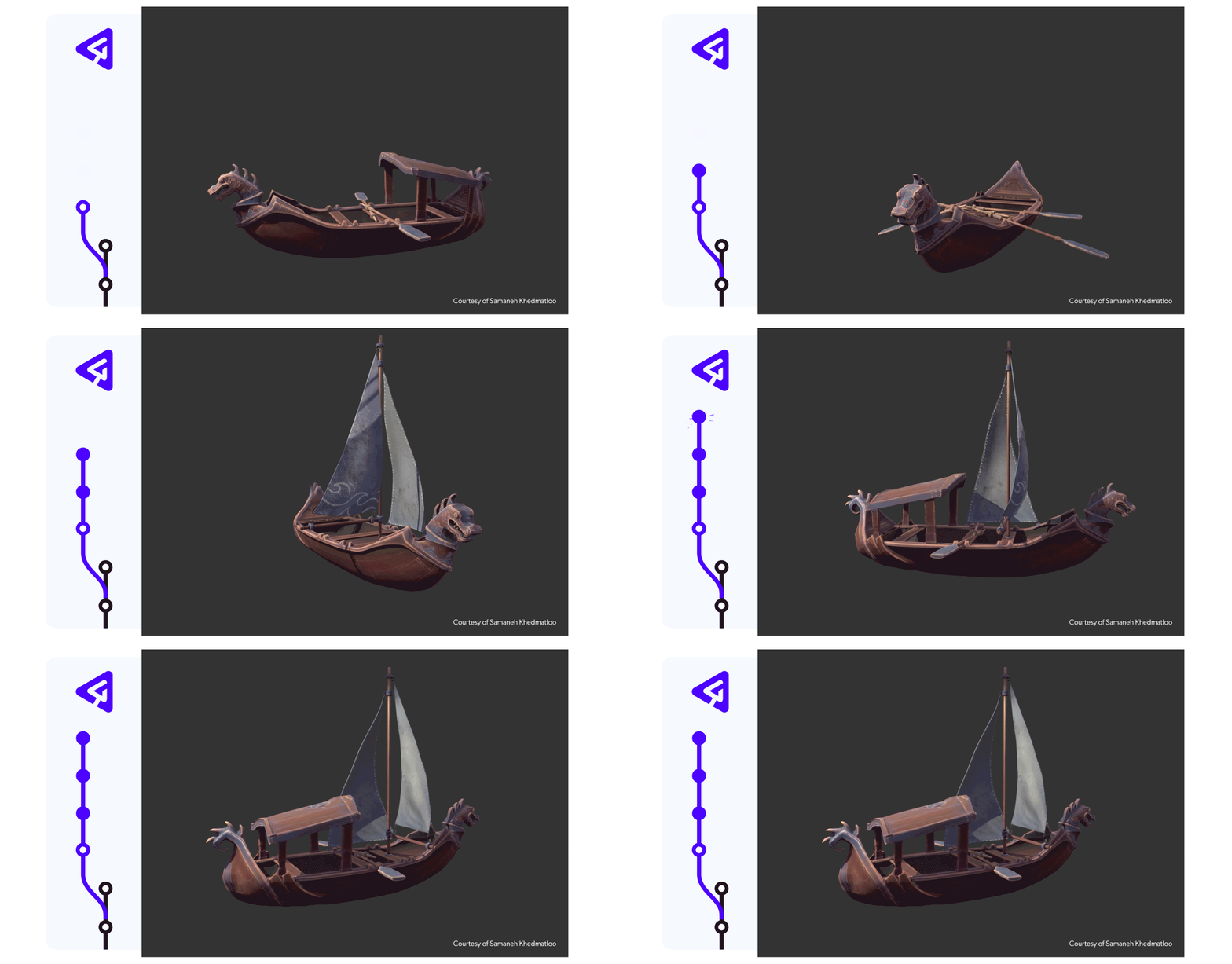
Avoid getting derailed by slow syncs and spotty connections. P4 One versions files locally, so you can keep creating even while disconnected.
- Sync changes up to 10x faster than Git with local versioning.
- Work offline without losing history or progress.
- Restore previous versions in a single click.
See Everything You Need, Before Opening a Single File
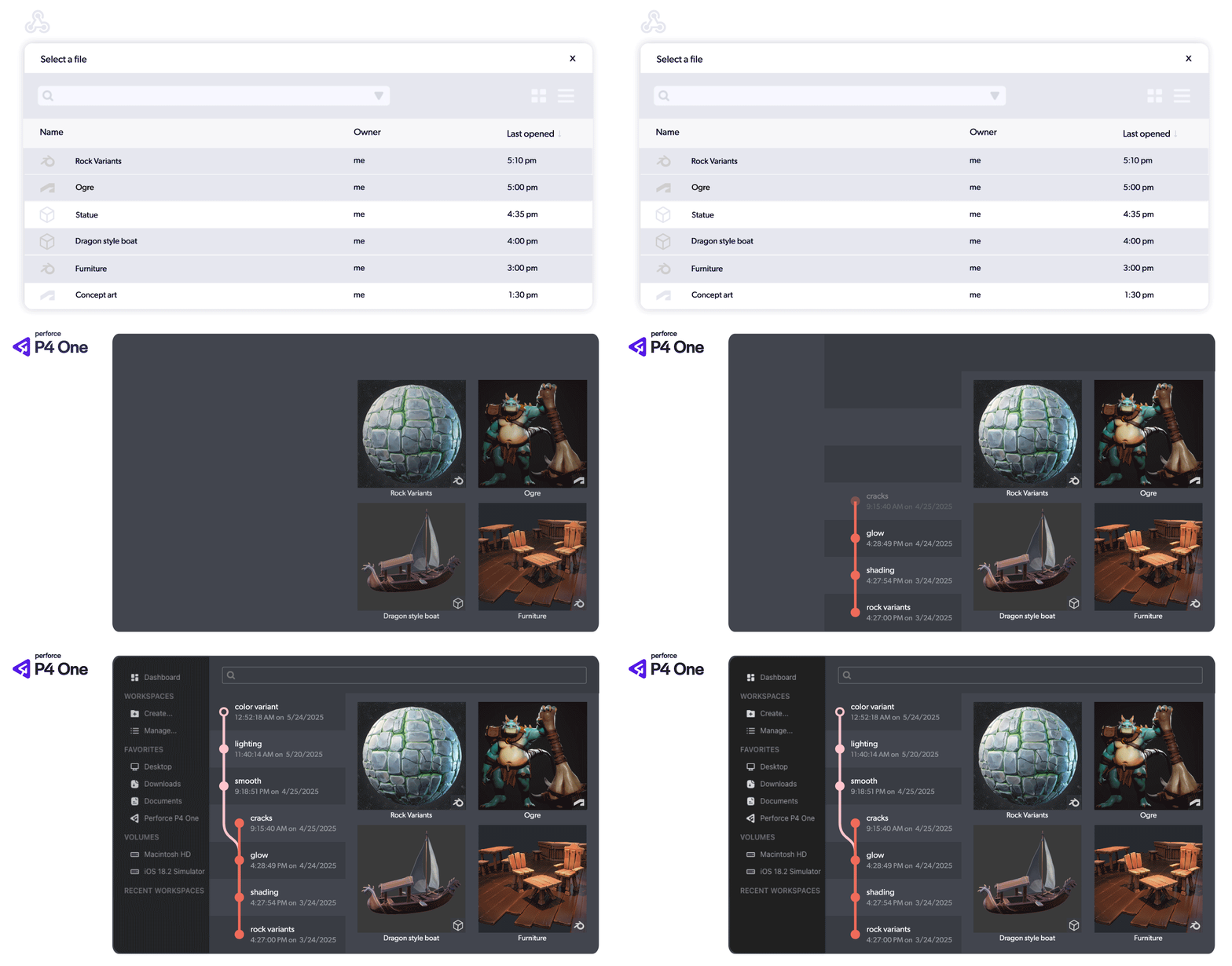
Stop wasting time digging through files just to see what’s what. P4 One is a file explorer made for creators— with version control built in.
- See true thumbnails for 2D and 3D files automatically. P4 One works with Unreal, Blender, Adobe and other creative file types you use every day.
- Track creative progress with a visual timeline of changes and versions.
- Explore models in full detail with a built-in 3D viewer.
Scale from Solo Projects to Full Production Pipelines
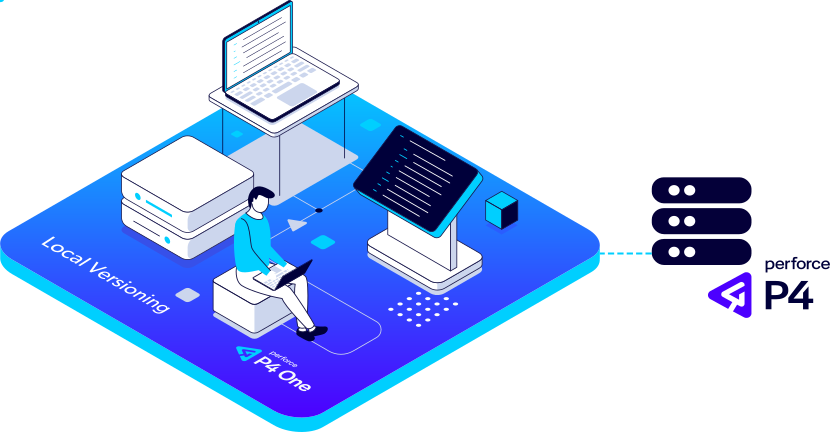
Start standalone with local workflows, then connect to a studio’s P4 infrastructure for conflict-free collaboration.
- Prevent rework with Exclusive File Locking.
- Connect to Streams and classic depots.
- Share your work and submit to P4 only when ready.
Unlock Efficiency—Everywhere, for Everyone
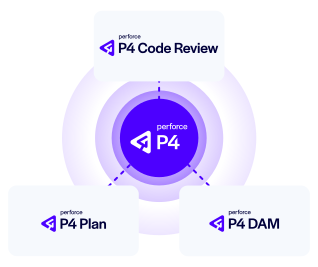
Whether you're starting solo or scaling to studio-wide collaboration, P4 One is your entry point to P4, our powerful and flexible version control platform.
Speed up production, end file sharing chaos, and give your team the power to do their best work—no matter how big the project or how tight the deadline.
Intuitive Version Control for Artists and Designers
See how P4 One lets your team focus on creating, not configuration.
Be in a Class of Outperformers
Across industries, teams who want to innovate at scale use Perforce.





Get Access to P4 One
Try P4 One and transform the way your artists and designers work.
Get Started with P4
You can get started with P4 for free for up to 5 users and 20 workspaces.
Get Started with P4 Cloud
Designed for teams under 100, our Perforce-managed and hosted version control is only $39/user/month.