Strong Microsoft Integrations From Perforce
Microsoft developer tools are more popular today than ever, with support for cloud, containers, cross-platform development (i.e., Linux and Macintosh), and web applications.
Perforce provides key integrations with many Microsoft products to help teams scale their agile and DevOps initiatives. Now you can increase developer productivity and support your team’s entire development lifecycle.
What is P4?
P4 is the scalable version control software platform from Perforce. It lets teams track everything—from source code to 3D assets—with the speed, scale, and control no other system can match.
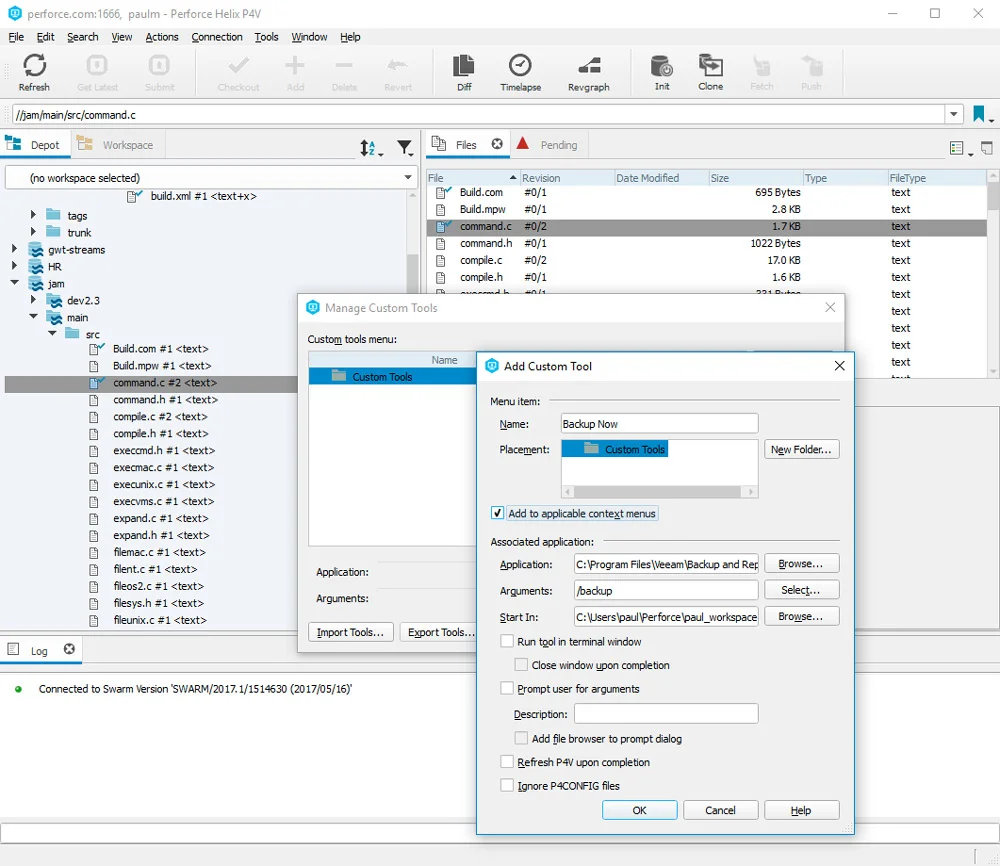
What P4 Visual Client Does
P4 Visual Client is the Windows desktop application that gives you access to all your versioned files in Helix Core. Key features include: an intuitive graphical user interface, quick access to code reviews and CI workflows, and robust merge and diff.
P4 Plugins and APIs for Microsoft
Microsoft Visual Studio
P4 for Visual Studio (P4VS) seamlessly embeds P4 enterprise-class version control features. Without ever having to leave the Visual Studio IDE, developers can login/logout, add, edit, revert, and diff.
.NET
For developers who want to extend the functionality ofP4 to integrate with additional tools, the P4 API for .NET (P4API.NET) is ready. Control your connection to the P4 server and enhance your build automation by running multiple commands through a single connection. Plus, this plugin delivers C# sample code to get you started in the Microsoft .NET world.
Windows File Explorer
P4 for File Explorer (P4EXP) gives users transparent access to P4 functions from the standard Windows 10 File Explorer context (right-click) menu. This makes functions like check-in/check-out a breeze for both novice and expert users. It is ideal for users who don’t need full access to some of the more developer-oriented features of P4.
Photoshop, Maya, 3ds Max
Version control is vital to better manage and facilitate collaboration between designers and developers. The P4 for Photoshop, Maya or 3ds Max plugins brings P4 version control integration to artists and designers. They can streamline their work from within the Windows tools they use the most.
Microsoft Visual Studio Code
P4 for Visual Studio Code (P4VSCode) puts P4 enterprise-grade version control capabilities directly into your development workflow. Work entirely within Visual Studio Code to manage source control, track changes, and collaborate with ease.

What is Perforce ALM?
Perforce ALM automates traceability across the product development lifecycle. Development and QA teams use Perforce ALM to centralize, map, and manage all development artifacts in one place, from requirements to tests to issues.
What does the Perforce ALM Integration with ALM do?
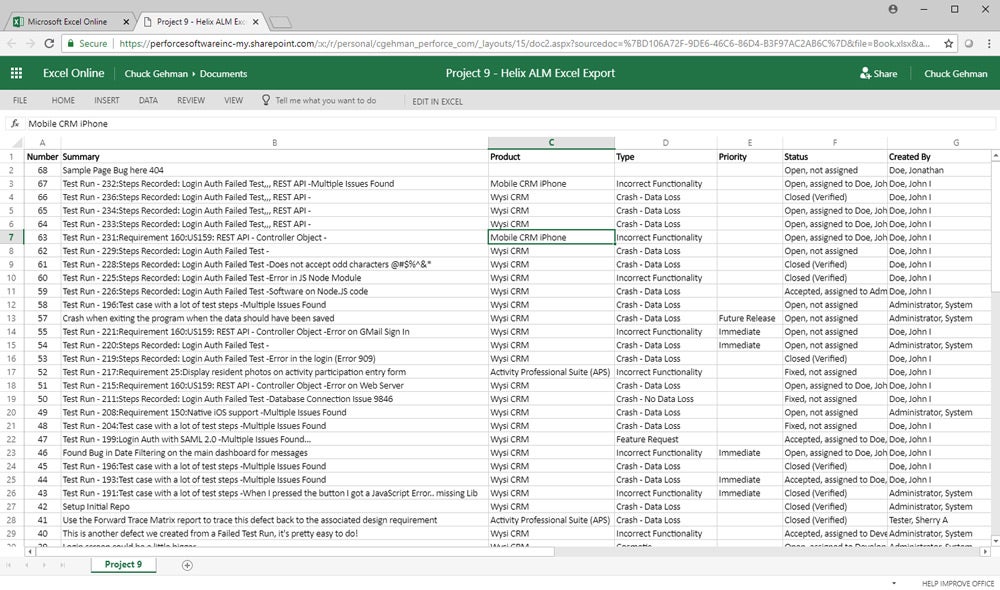
Perforce ALM integrates with Microsoft Outlook, Word, and Excel to help manage development requirements, issues, and tests. You can also collaborate over email using Outlook, import your and export existing documents ALM requirements using Word, and export and view your defects from ALM in Excel.
Microsoft Visual Studio supports ALM so you can manage issues, view your assigned items, and add tasks without leaving the Visual Studio IDE.

What is Perforce QAC?
Perforce QAC is a static code analysis tool for C,C++, and Rust. Perforce QAC helps software teams in safety-critical industries achieve functional safety compliance without slowing delivery. QAC identifies deep, high-severity defects early; enforces major functional safety coding standards; and produces clear, defensible evidence that auditors require.
What does the Perforce QAC integration with Microsoft do?
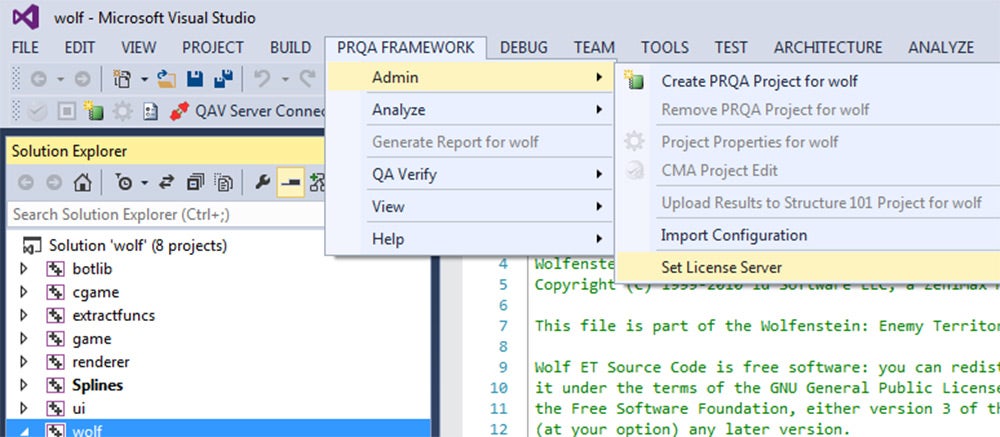
Perforce QAC integrates with Microsoft Visual Studio. This integration allows you to kick off an analysis and view the results within a window pane in Visual Studio.
Have Questions About Perforce and Microsoft Integrations?
All you have to do is ask. Contact us for more details on how Perforce integrates with your Microsoft solutions to improve your performance and enhance team collaboration.